Sight is our strongest sense. Where a classic ERP gives you forms and tables, PIRION draws the ship, and the complexity becomes something you can see.
Less time at the screen.Calm is a design decision.
The aim
After a tiring day at sea, nobody should be met by fancy animations, flashing screens or design made for show. We want your eyes to rest, and your work to end in calm.
Nothing for show
Screens do not flash or perform. A panel opens in a fraction of a second, and the compass that marks the agents' work is the one thing that keeps turning.
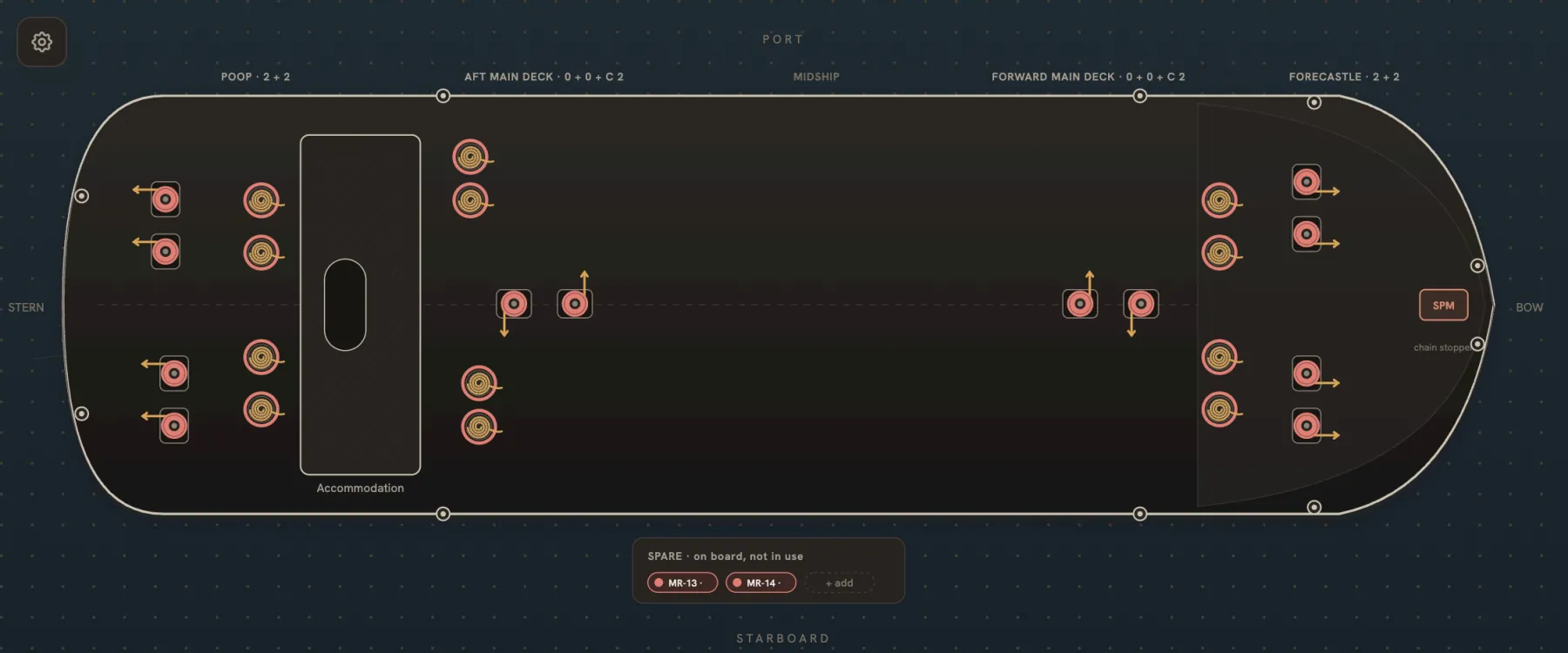
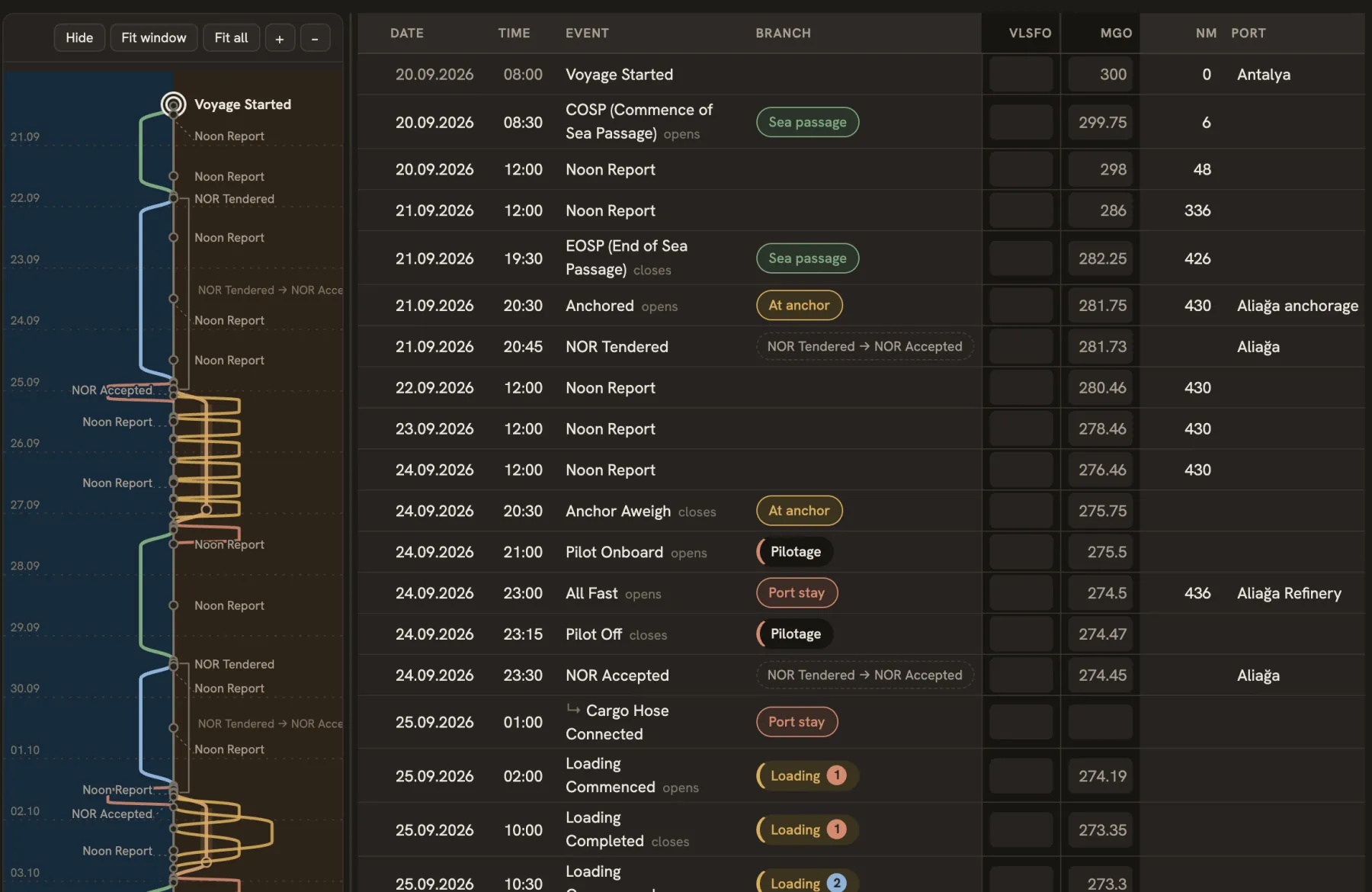
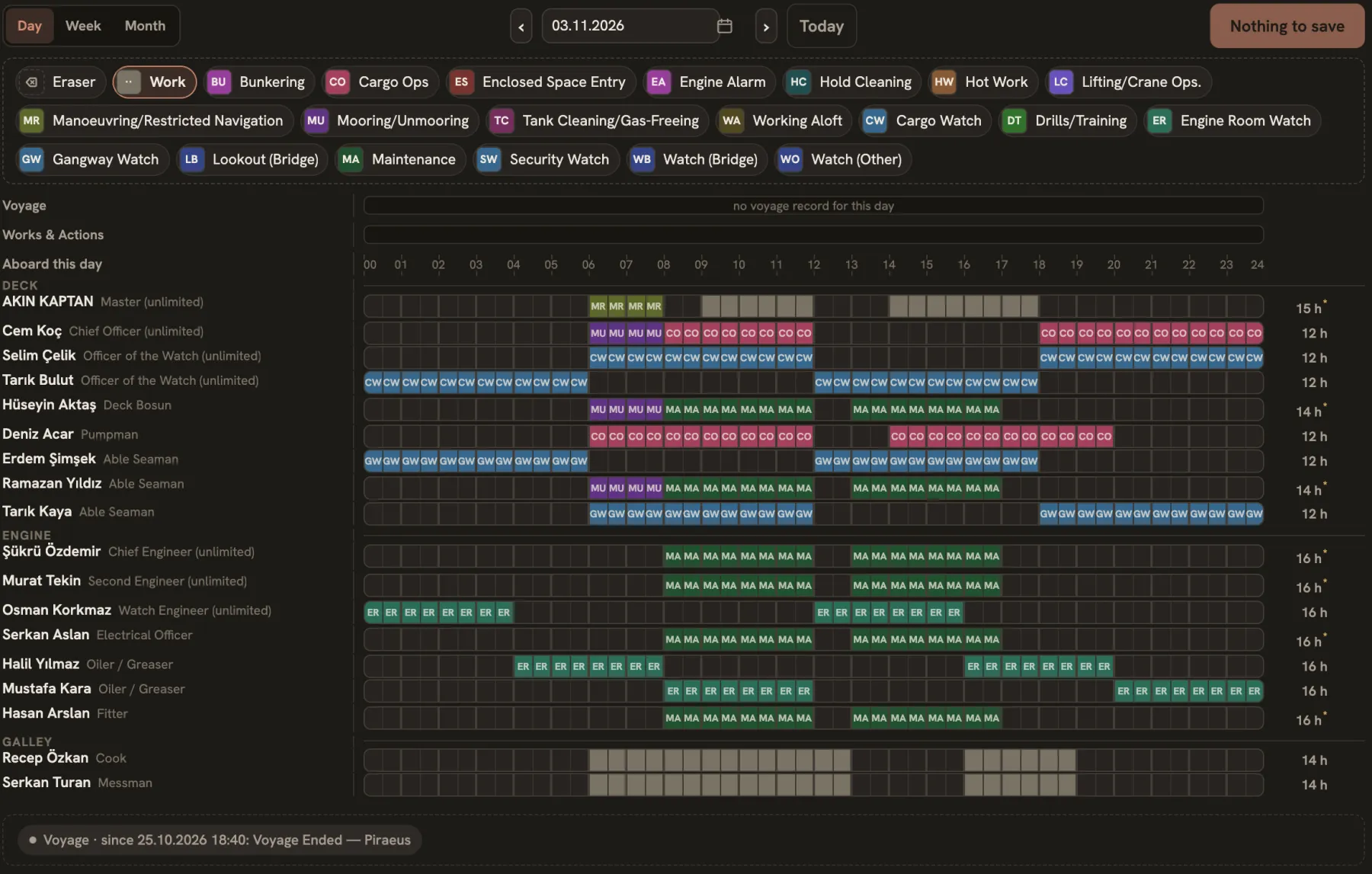
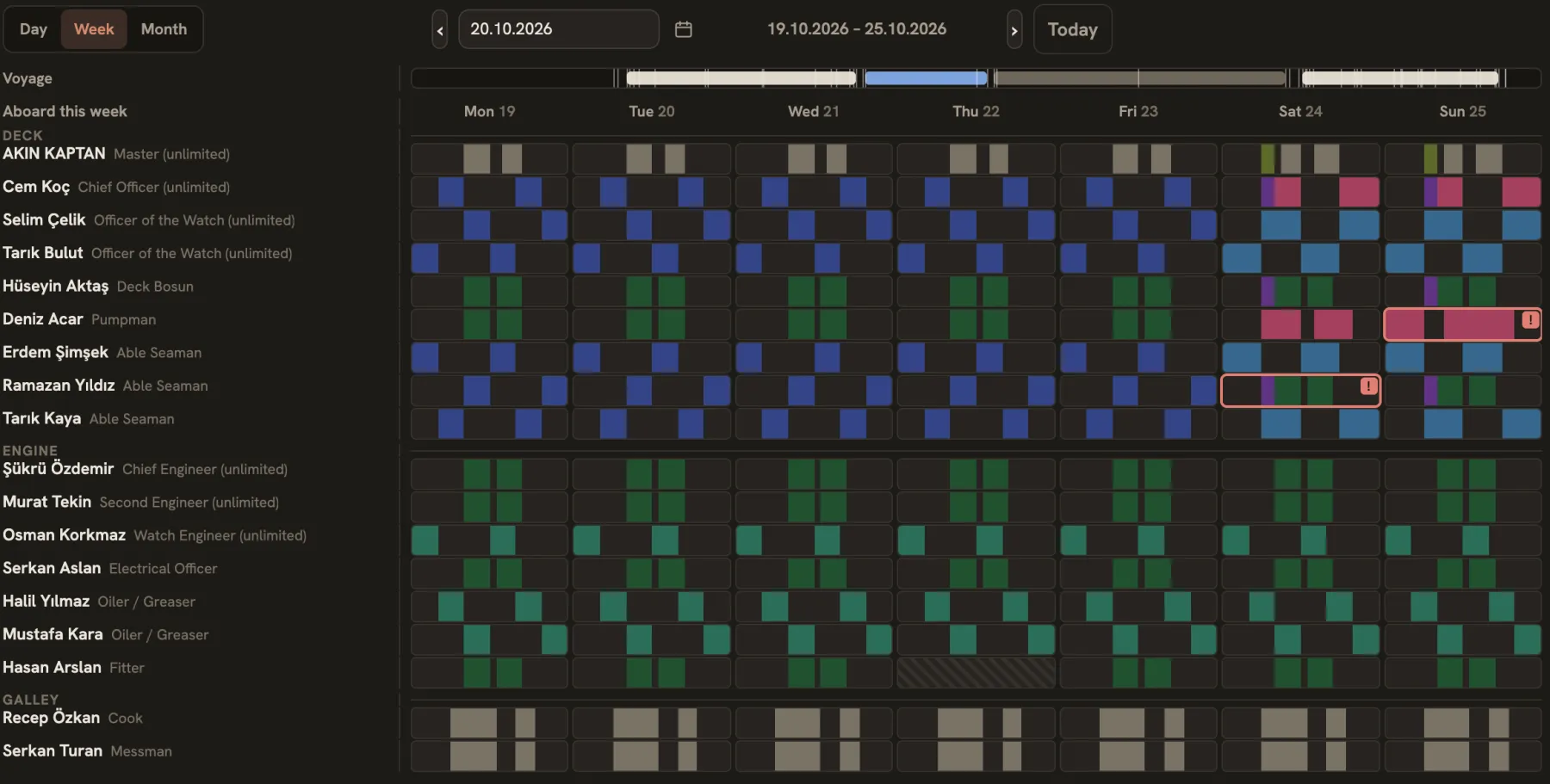
Day and night
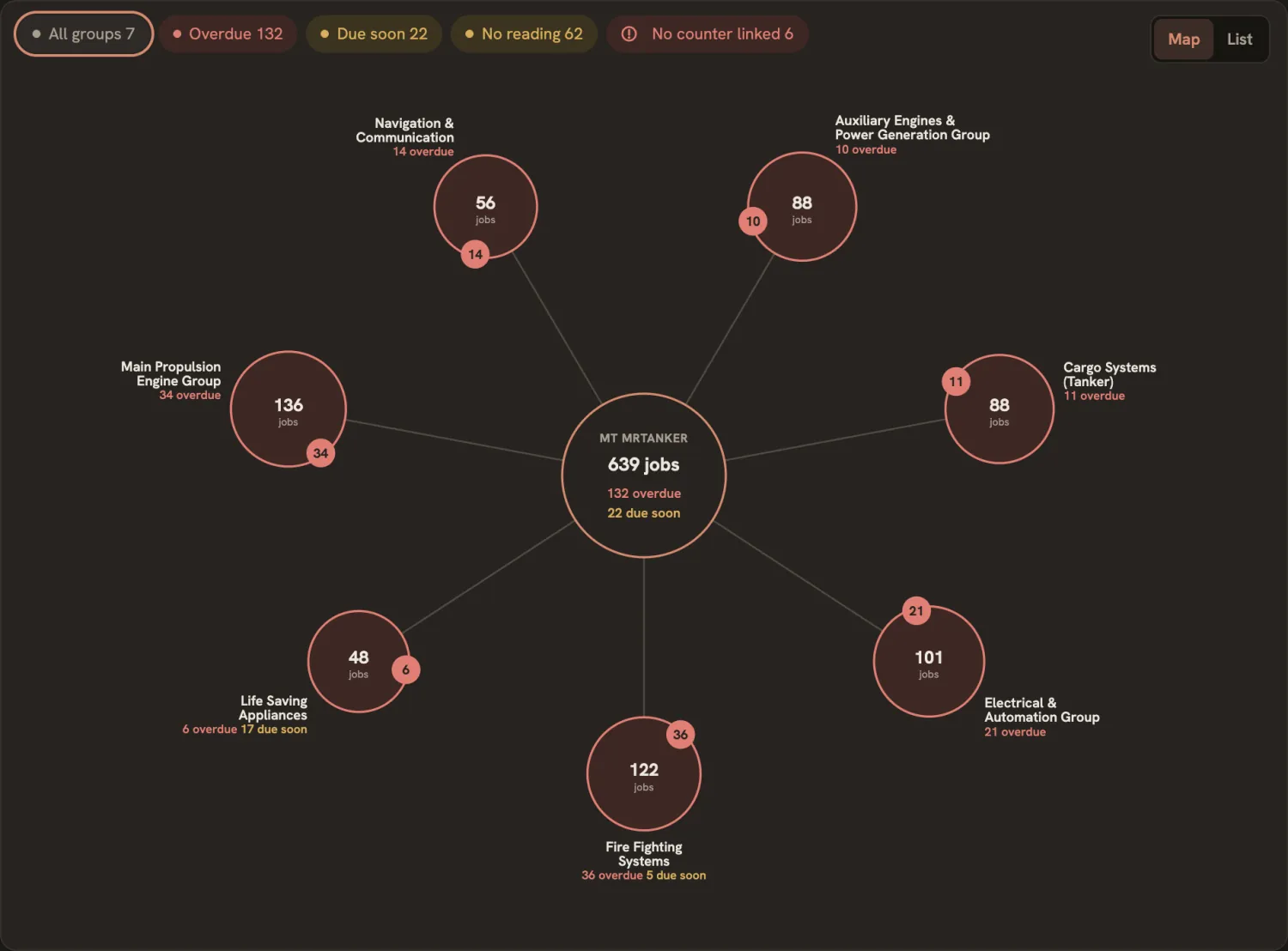
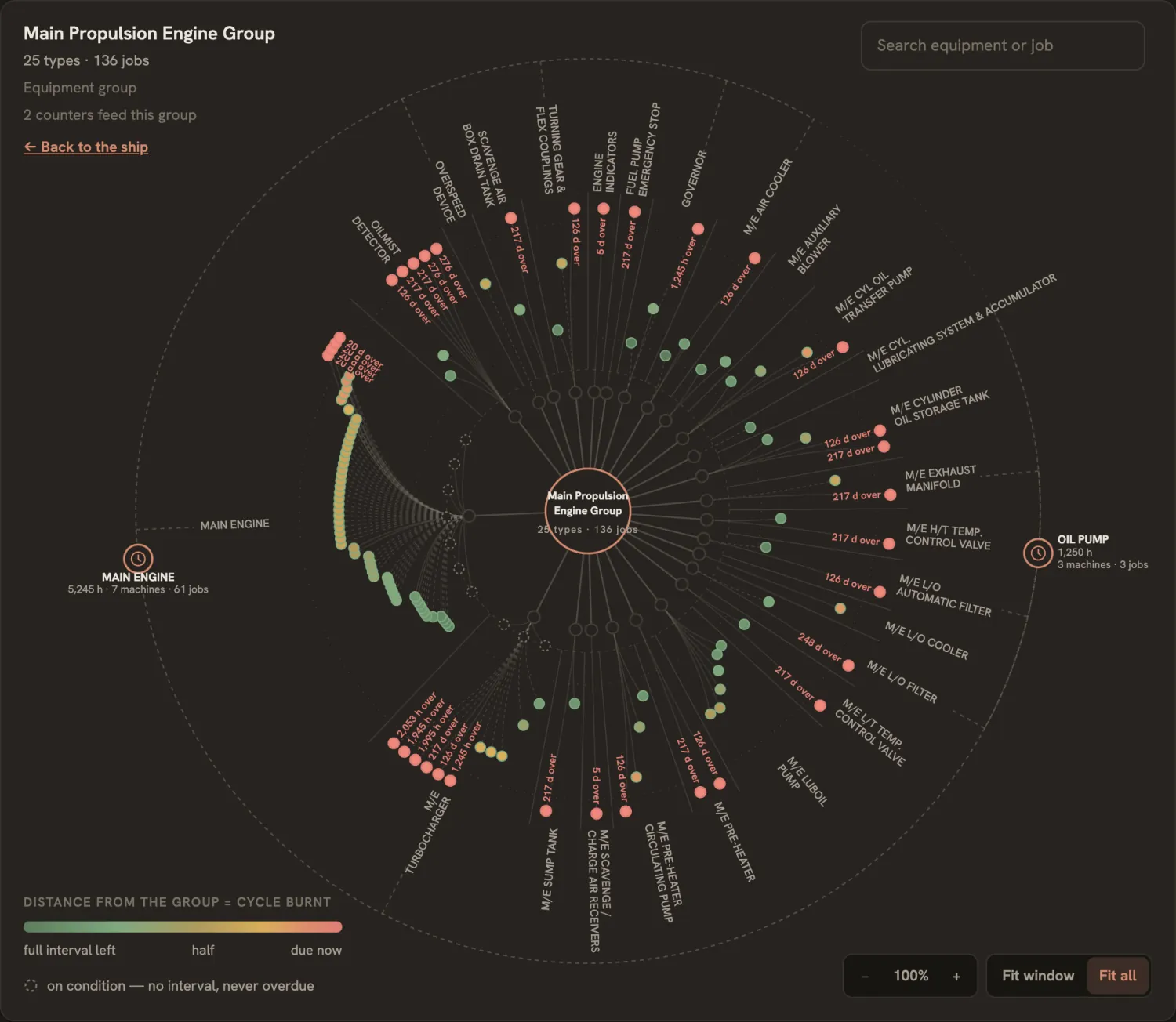
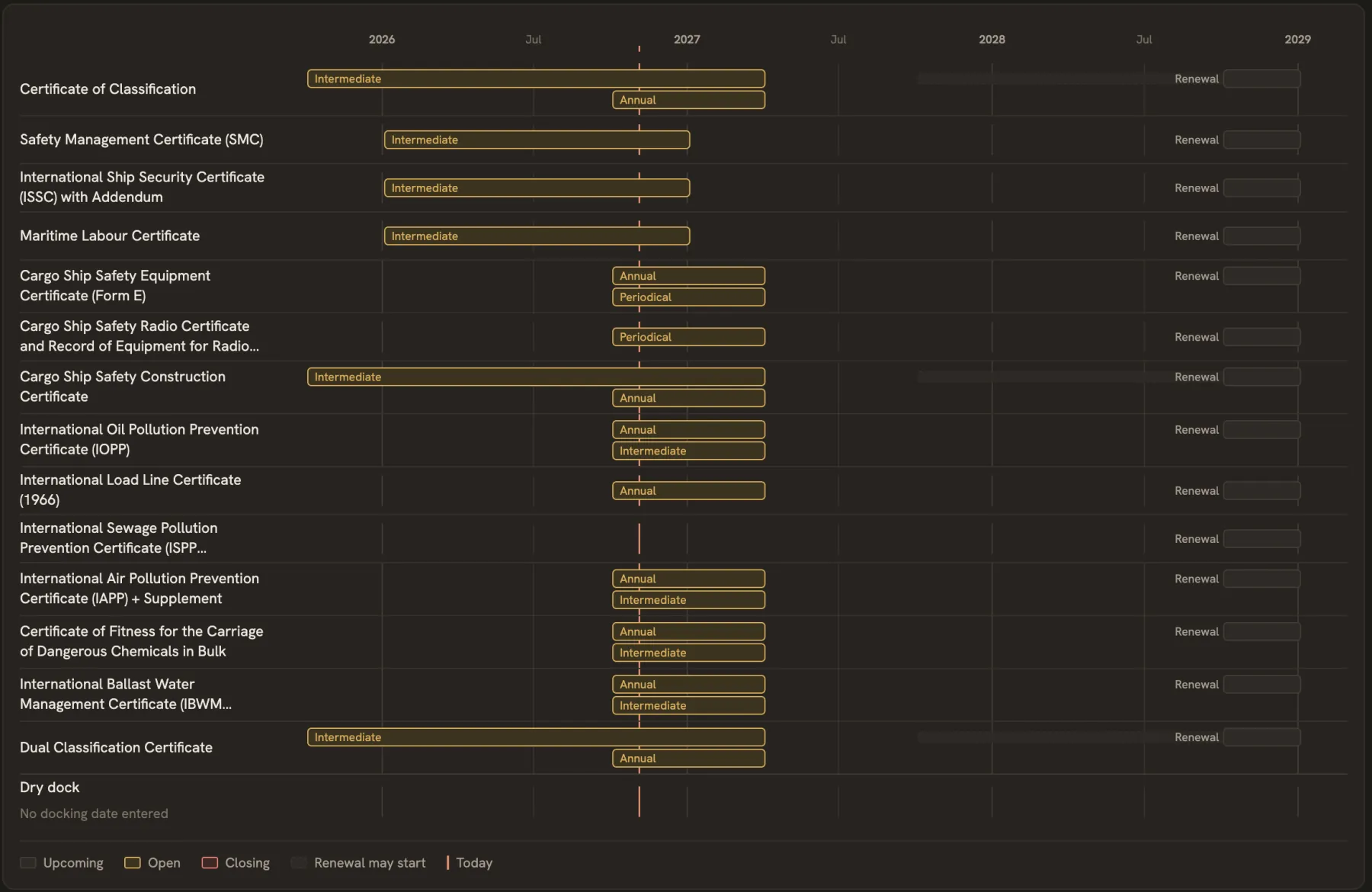
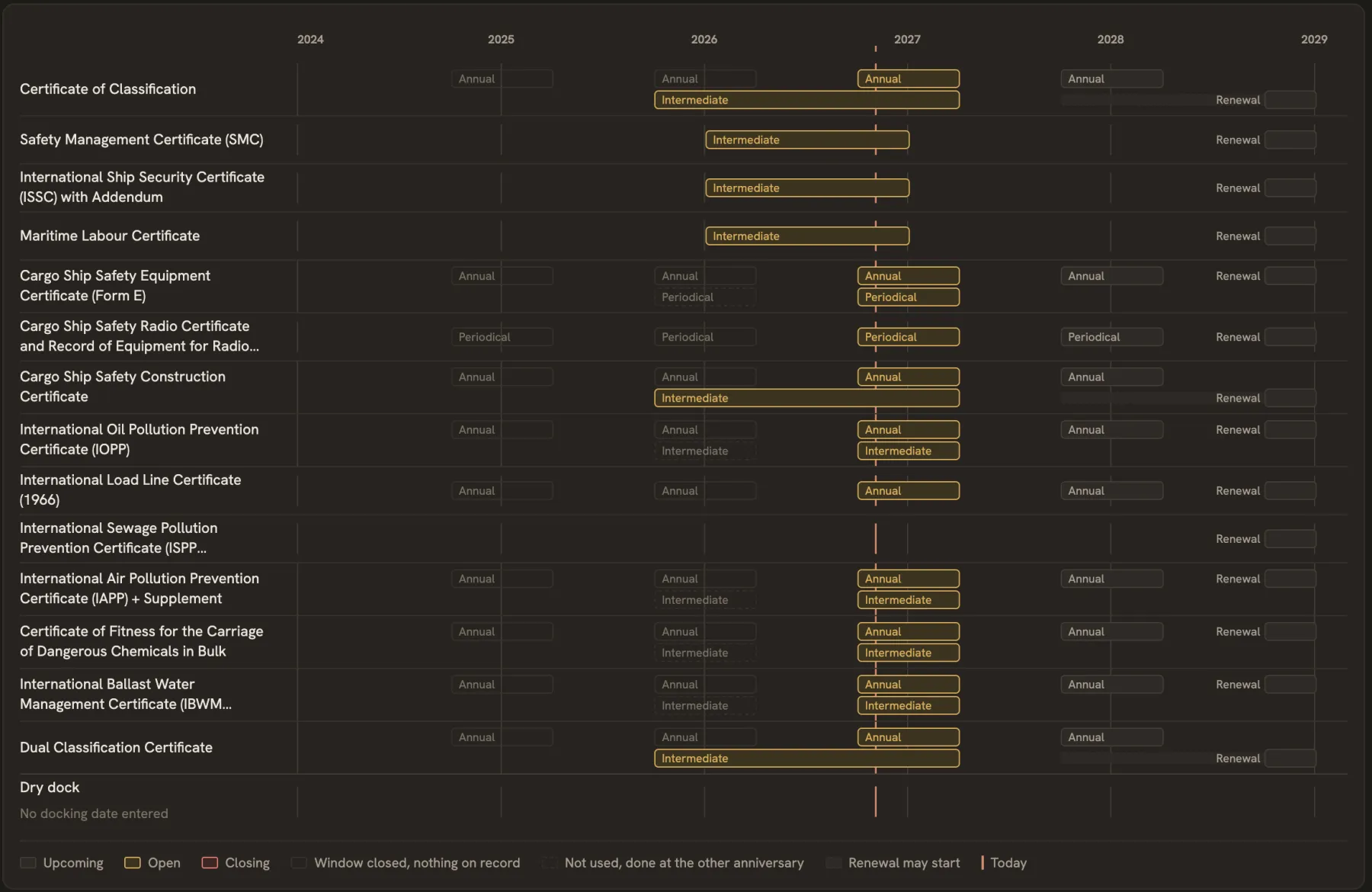
On a night watch the screen goes dark, in the application and on this page.
Screens from the application, with sample data.
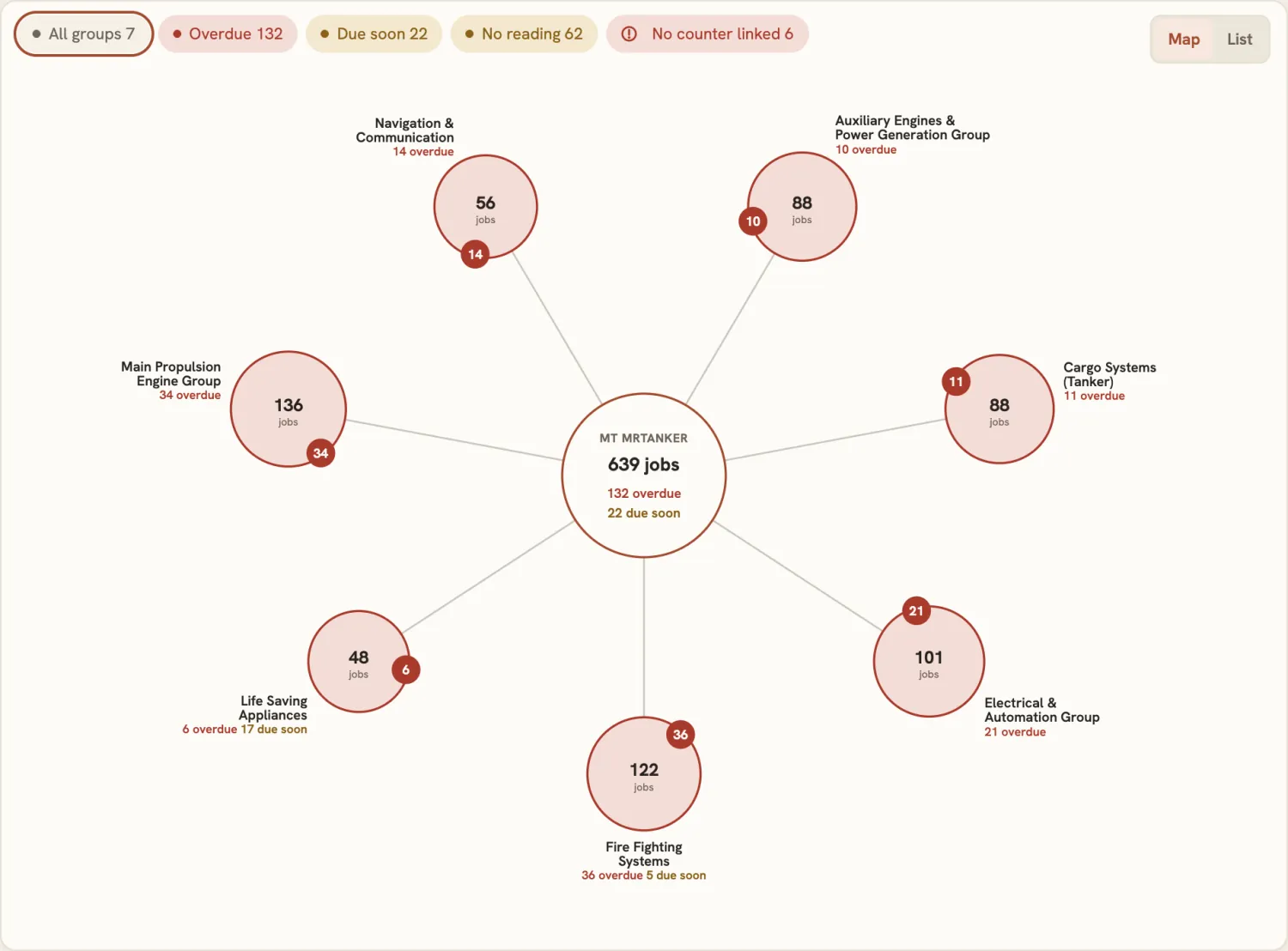
The whole ship on one screen.PMS Graph
Each circle is one equipment group. Its colour is the worst state among its jobs, and the badge counts what is overdue or due soon. Press a circle to open the group. The list stays one press away.
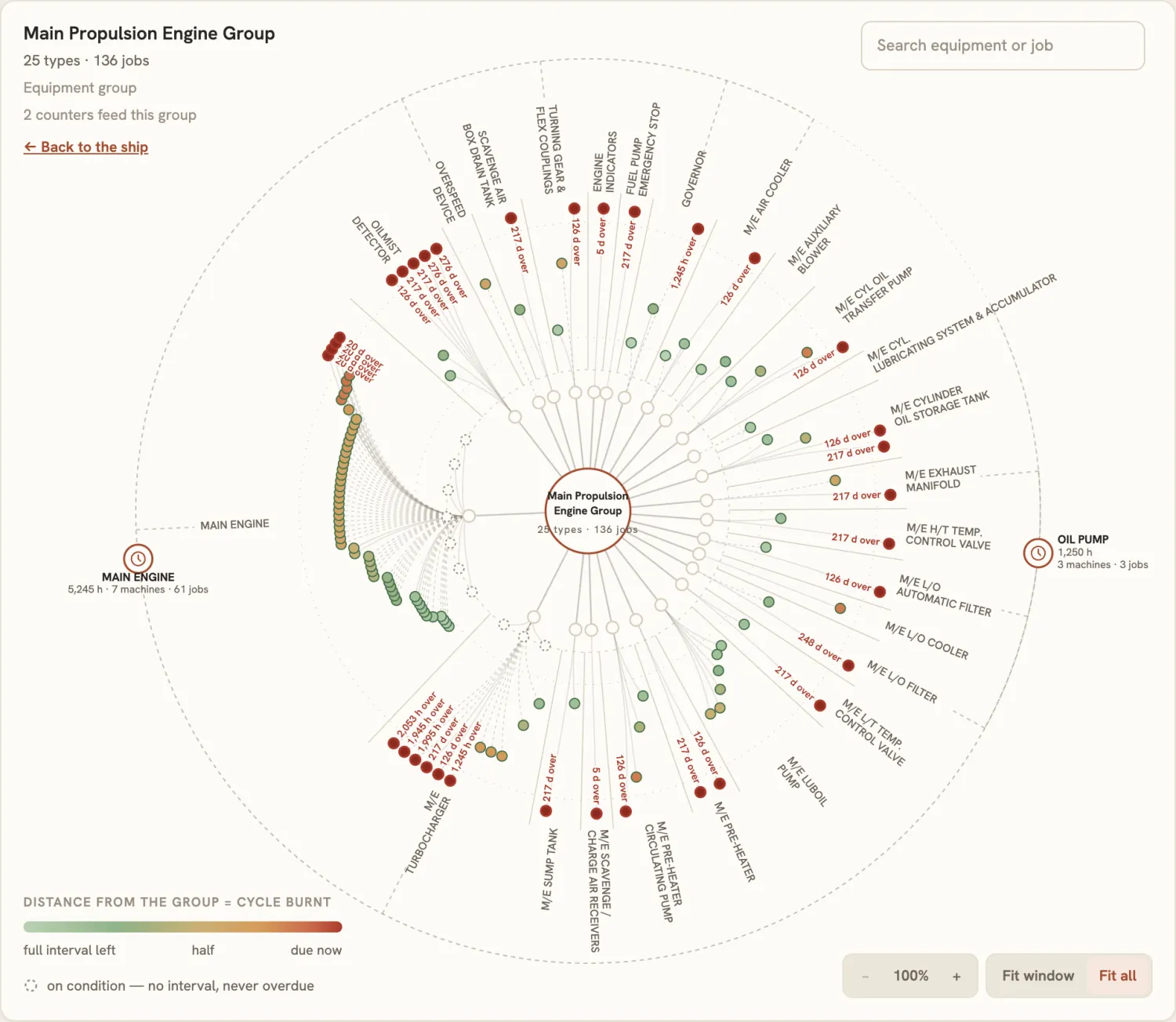
Every job, and how close it is.PMS Graph, inside a group
All the jobs of a group stand on one drawing. The farther a job stands from the centre, the more of its cycle is burnt: green with the full interval left, red when it is due.
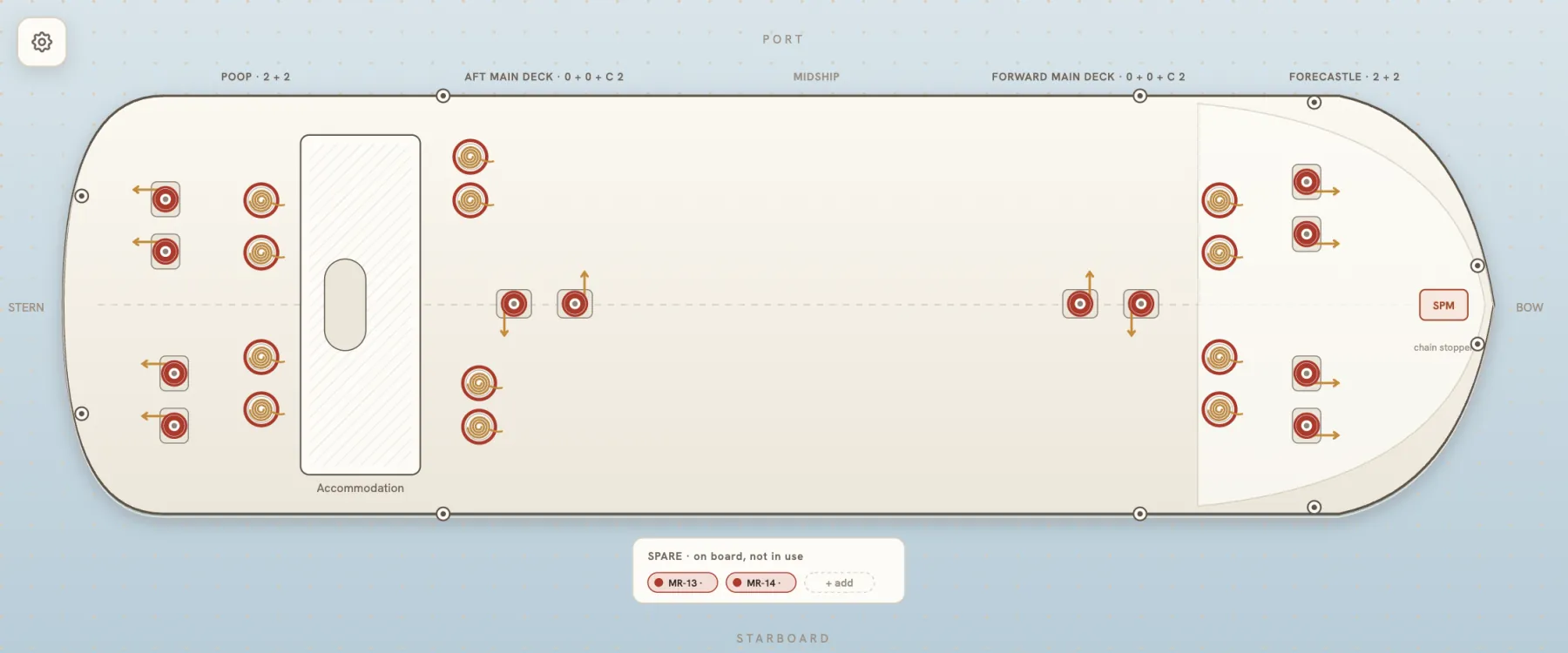
The deck as it stands.Mooring & Lifting
Winches stand where the ship placed them, on a sketch of the deck. Colour gives the state of each rope, and spare ropes wait in their own box.
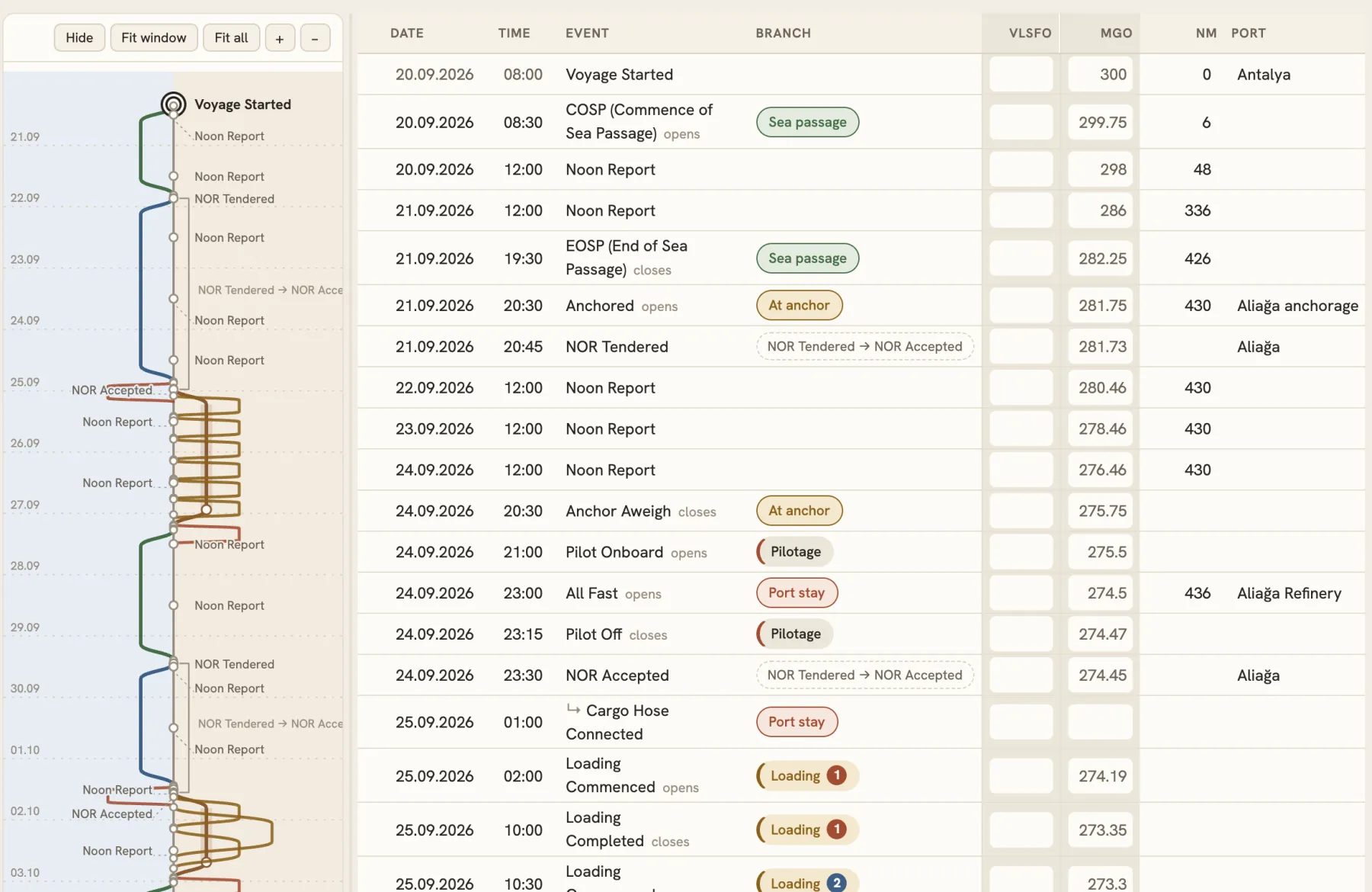
A voyage, drawn beside its events.Voyage Canvas
Sea passages, anchorages, pilotage and cargo operations each run as their own line, next to the table they come from. Choose a line and it stands out, in the drawing and in the table.
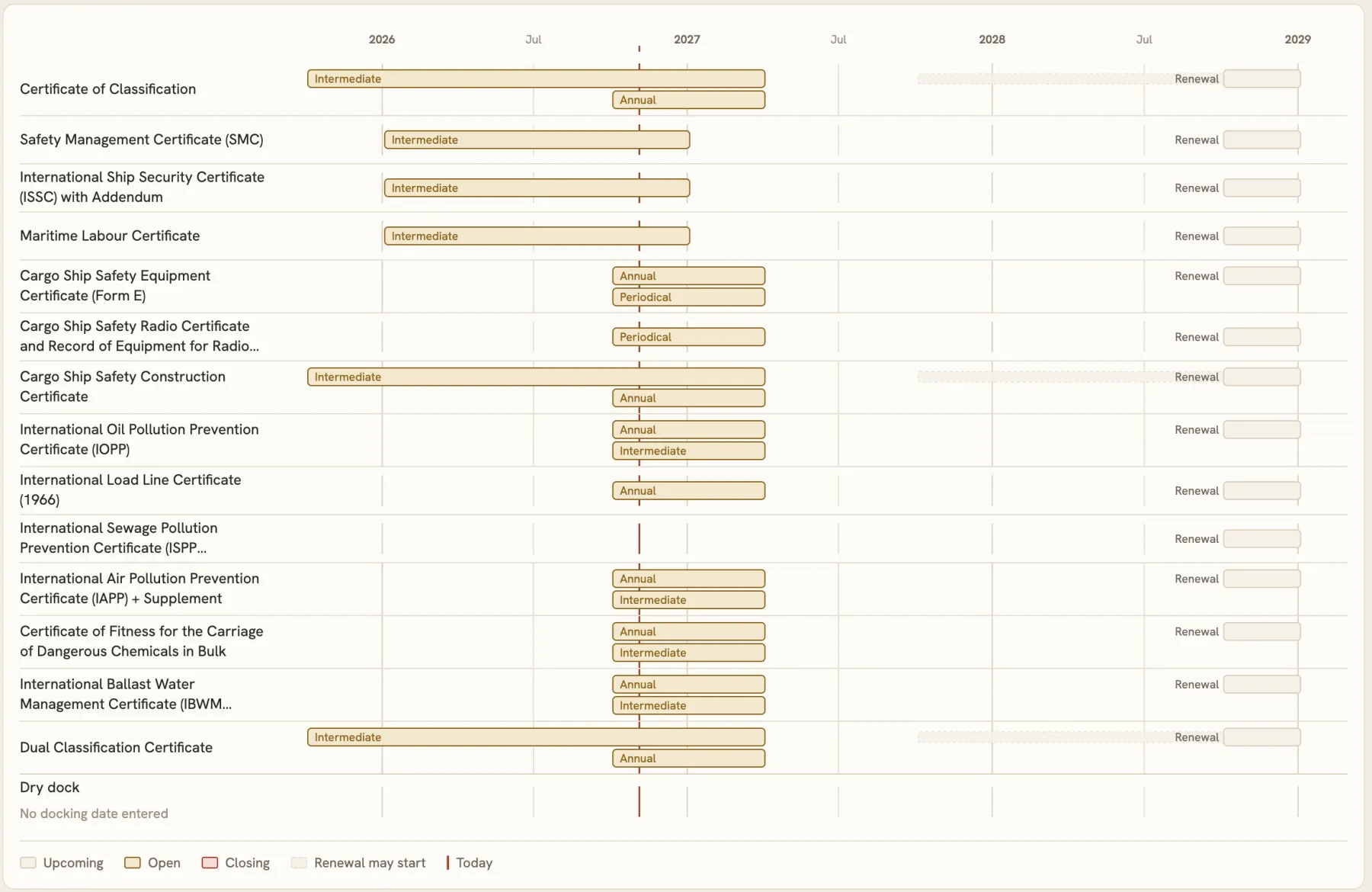
What is coming, and in what order.Class Window
Every survey window the ship's certificates carry, on one calendar, with today drawn through all of them.
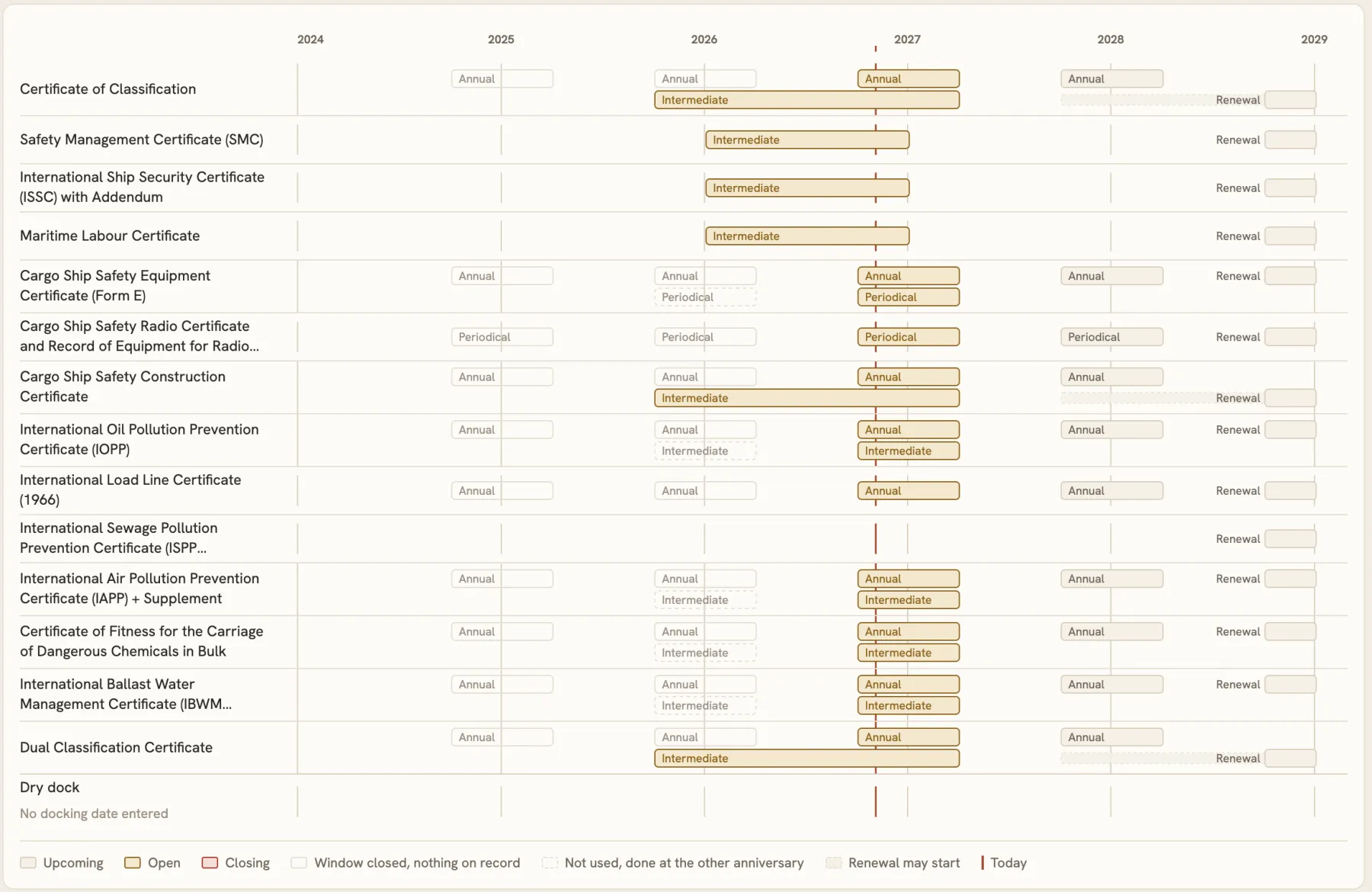
The whole class period.Class Window, 5 years
One press widens the same calendar to the five-year class period: the windows already behind the ship, the ones open today and the renewal ahead. A window that closed with nothing on record still shows.
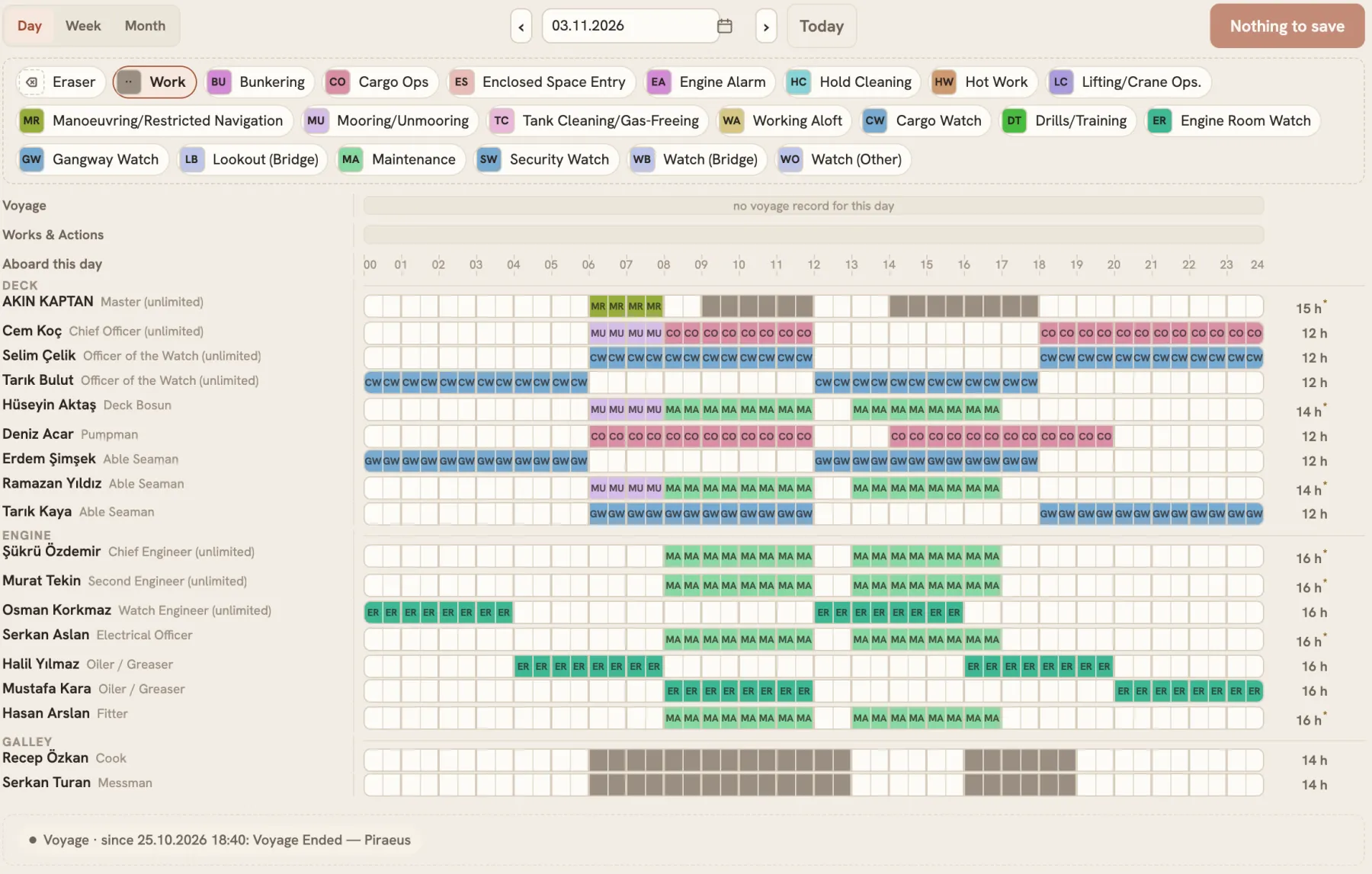
Every person, every half hour.Work&Rest Hours
Each row is one person aboard that day, and each box is half an hour. Pick an activity and paint the boxes, and the hours of rest stand at the end of the row.
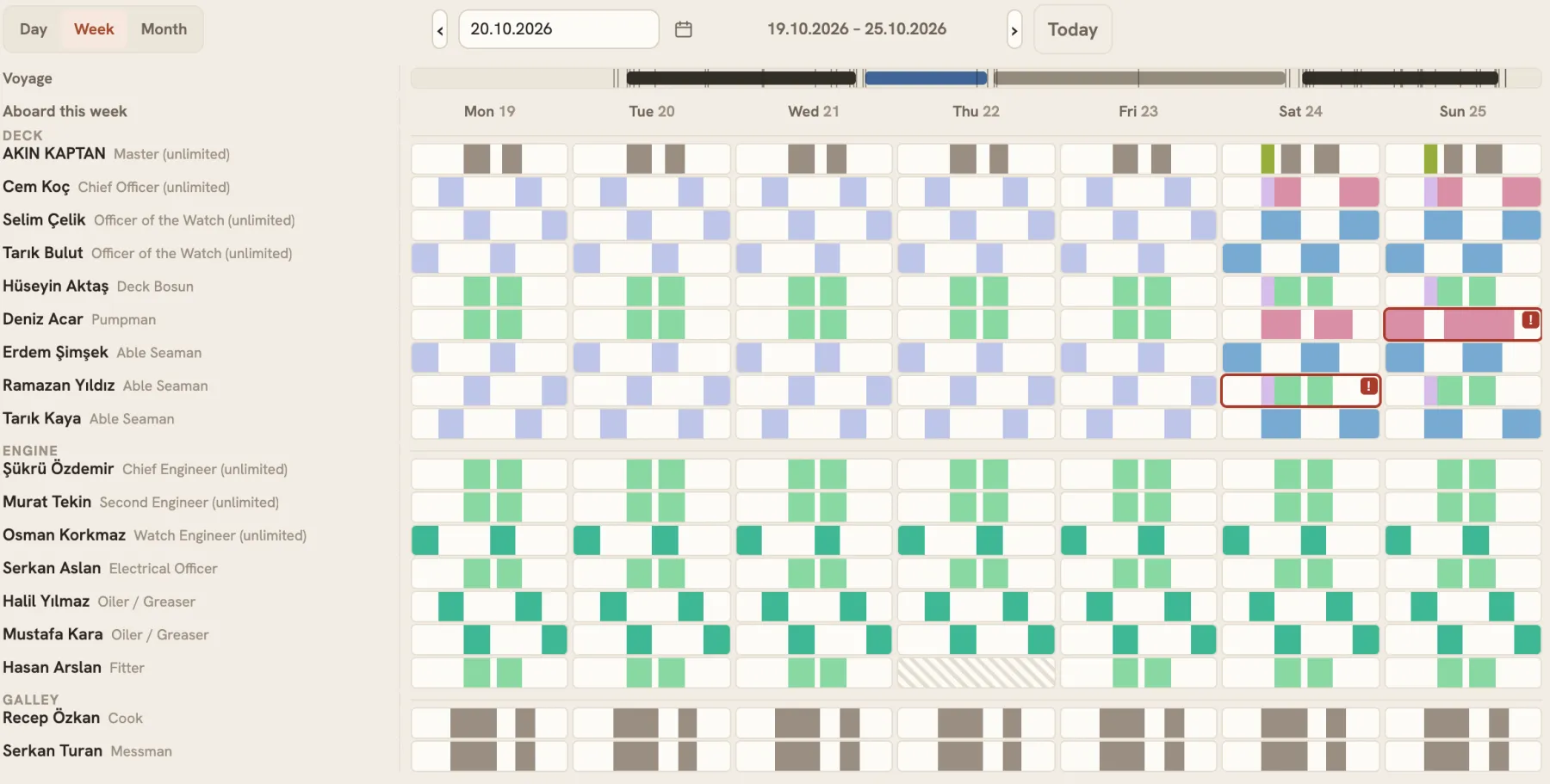
The crew's week at a glance.Work&Rest Hours, by the week
The whole crew's week on one screen, with the voyage drawn above it. A day flagged against the rest rules stands out in red. A day nobody entered stays hatched, because a day not entered is not a day of rest.
Point at it, and it explains itself.Hints across the modules.
What it means
Rest the pointer on a value, a mark or a column, and a short hint says what it is, without leaving the screen or opening a manual. All of it is designed to keep your attention on the work.
Why it is closed
A button you may not press says why when the pointer rests on it. Many also answer a finger, with the same sentence as a short message.
The same idea at the office.Not only on board.
PMS Admin
The maintenance catalogue is also shaped on a map: Visual Workshop and Equipment Graph.